Features
Accordion Display
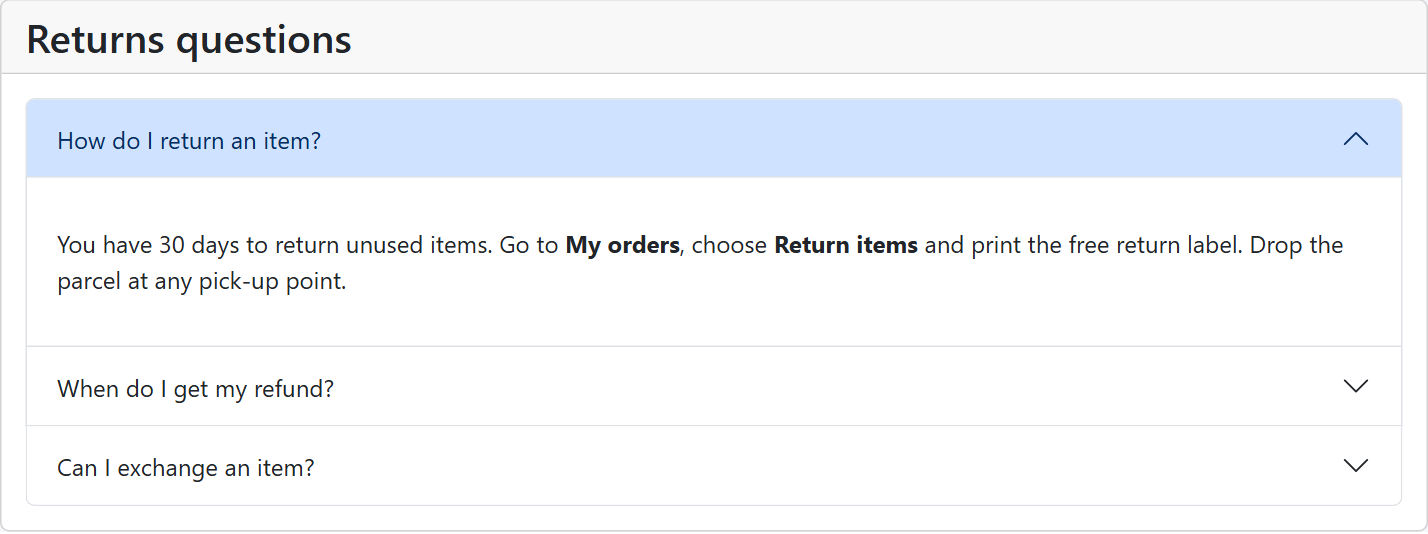
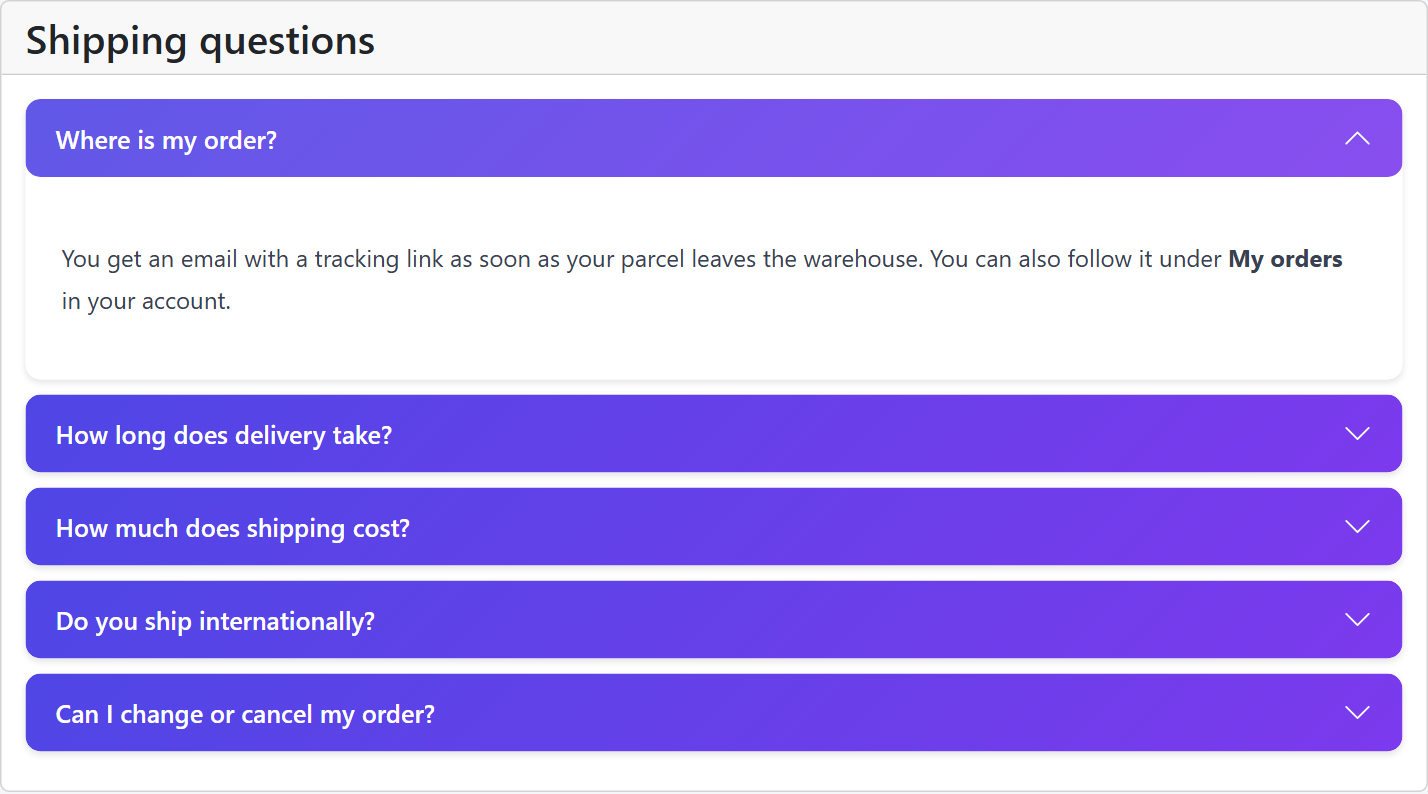
Every article becomes one collapsible panel built on the Bootstrap 5 accordion.
- Article title as header — the panel header is the article title; the body is the article text.
- One open panel — opening a panel closes the others in the same accordion.
- Open first item — choose whether the first panel starts open.
- Accessible markup — headers are buttons with
aria-expandedandaria-controls, so keyboards and screen readers work.
Content and Meta Information
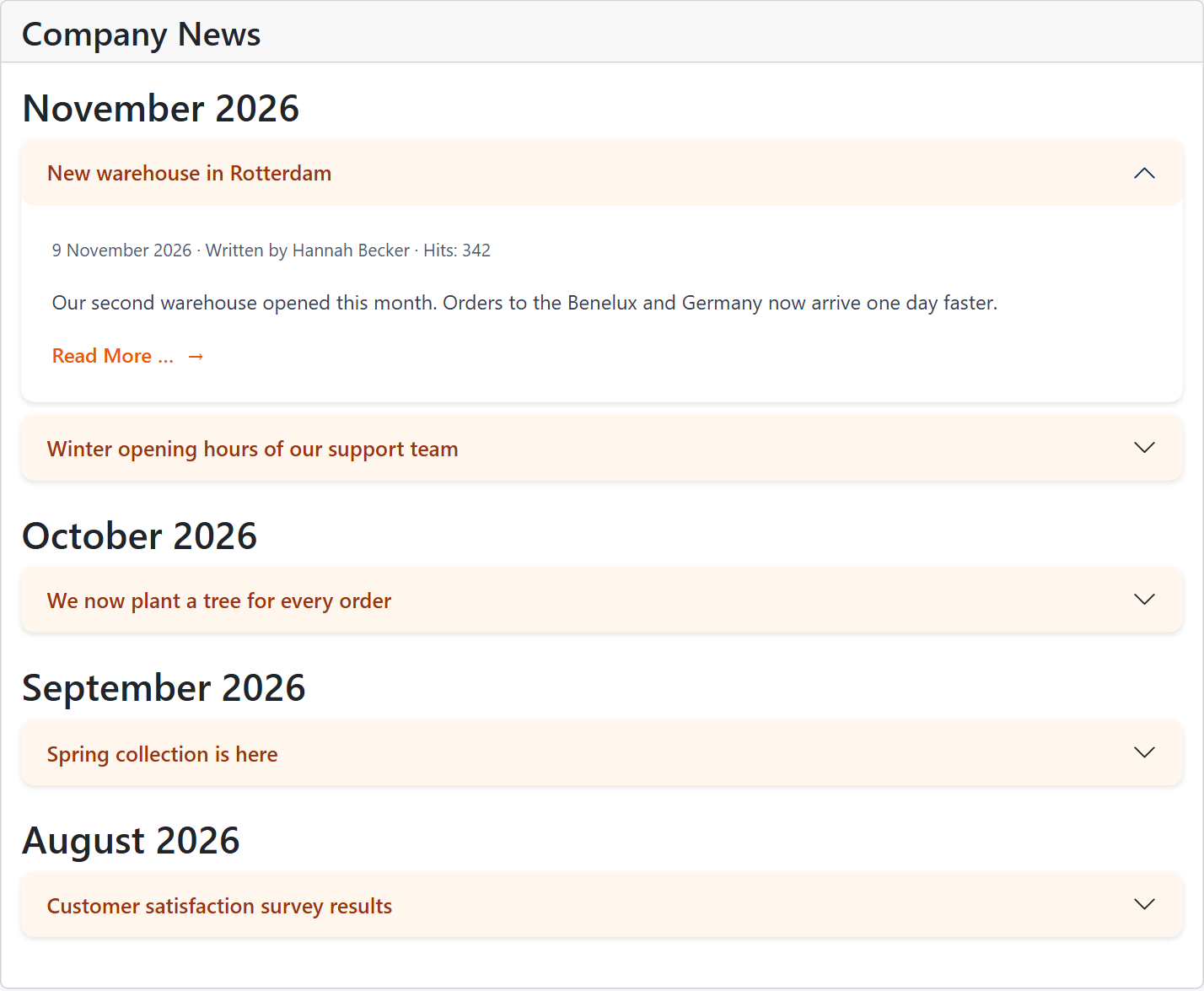
Choose what each panel shows.
- Content — hide it, show the intro text, the full text, intro text + full text, or Auto (full text when there is no intro text, otherwise the intro text with a "Read more" link).
- Introtext limit — shorten the intro text to a number of characters.
- Clean introtext — strip some HTML tags from the intro text for a cleaner panel.
- Fix broken HTML — repair unclosed tags in the full text.
- Read more link — show a "Read more" link, with or without the article title, and limit the title length.
- Meta information — show the date (created, modified or publish up, in your own format), category, hits, author and tags.
- Prepare content — run Joomla content plugins (for example email cloaking or embeds) on the panel text.
Filtering
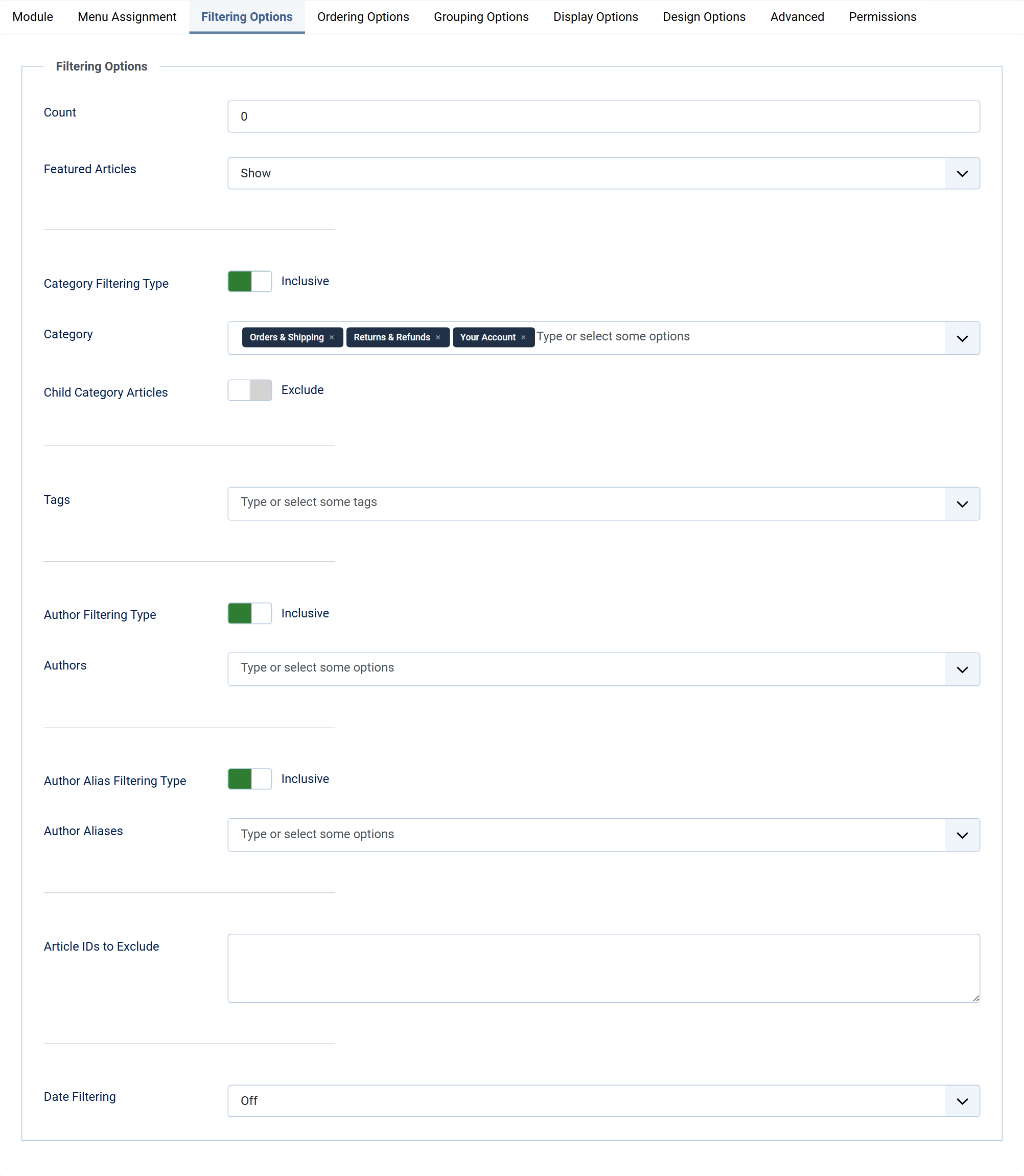
Pick exactly which articles appear.
- Categories — include or exclude one or more categories, with optional child category articles to a set depth.
- Featured articles — show them, hide them, or show only featured articles.
- Tags — limit the list to articles with selected tags.
- Authors and author aliases — include or exclude selected authors or aliases.
- Exclude articles — list article IDs that should never appear.
- Dates — show only articles from a date range, or from the last number of days, based on created, modified or publish-up date.
- Count — the number of articles per page;
0shows them all.
Normal and Dynamic Mode
- Normal — the module shows the list you configured on every page it is assigned to.
- Dynamic — the module ignores the Category setting and shows the articles of the category the visitor is viewing. Choose whether it also shows on article pages.
Ordering and Grouping
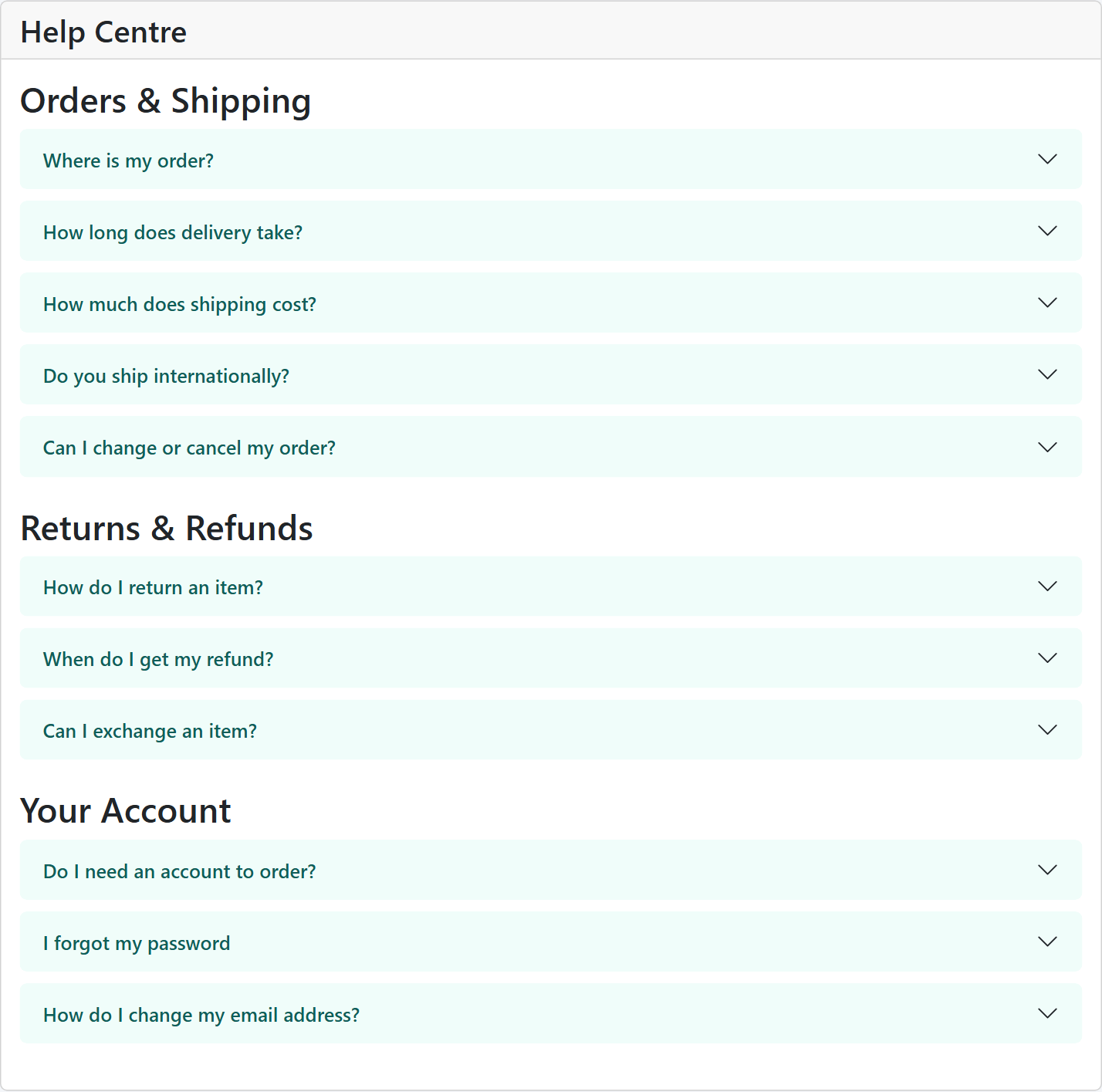
- Ordering — article order, featured order, hits, title, ID, alias, created, modified, publish up, publish down, random, votes or rating, ascending or descending.
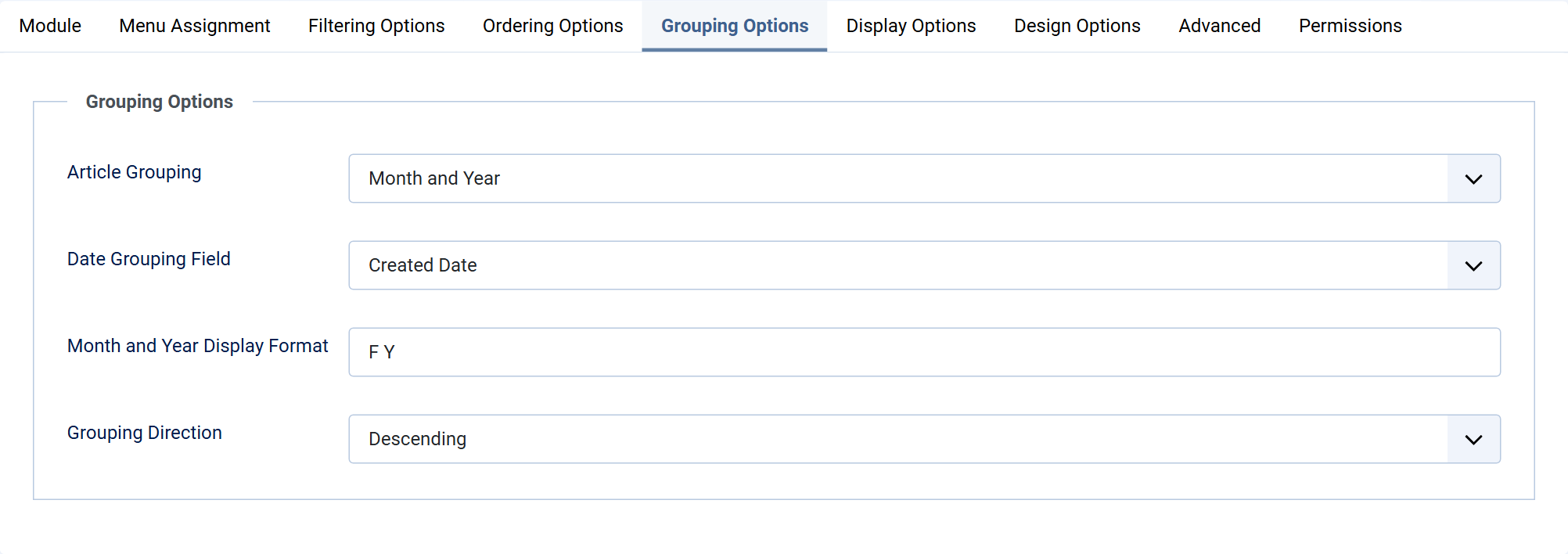
- Grouping — group panels by year, month and year, author, category or tag. Each group gets a heading and its own accordion.
- Group options — choose the date field and date format for date groups, and the group order.
AJAX Pagination
When Count is lower than the number of matching articles, page links appear under the accordion. Clicking one loads that page into the module through Joomla's com_ajax, without reloading the page. Each module instance pages on its own, so you can have several on one page.
Design
- Default Bootstrap — inherits your template's Bootstrap look.
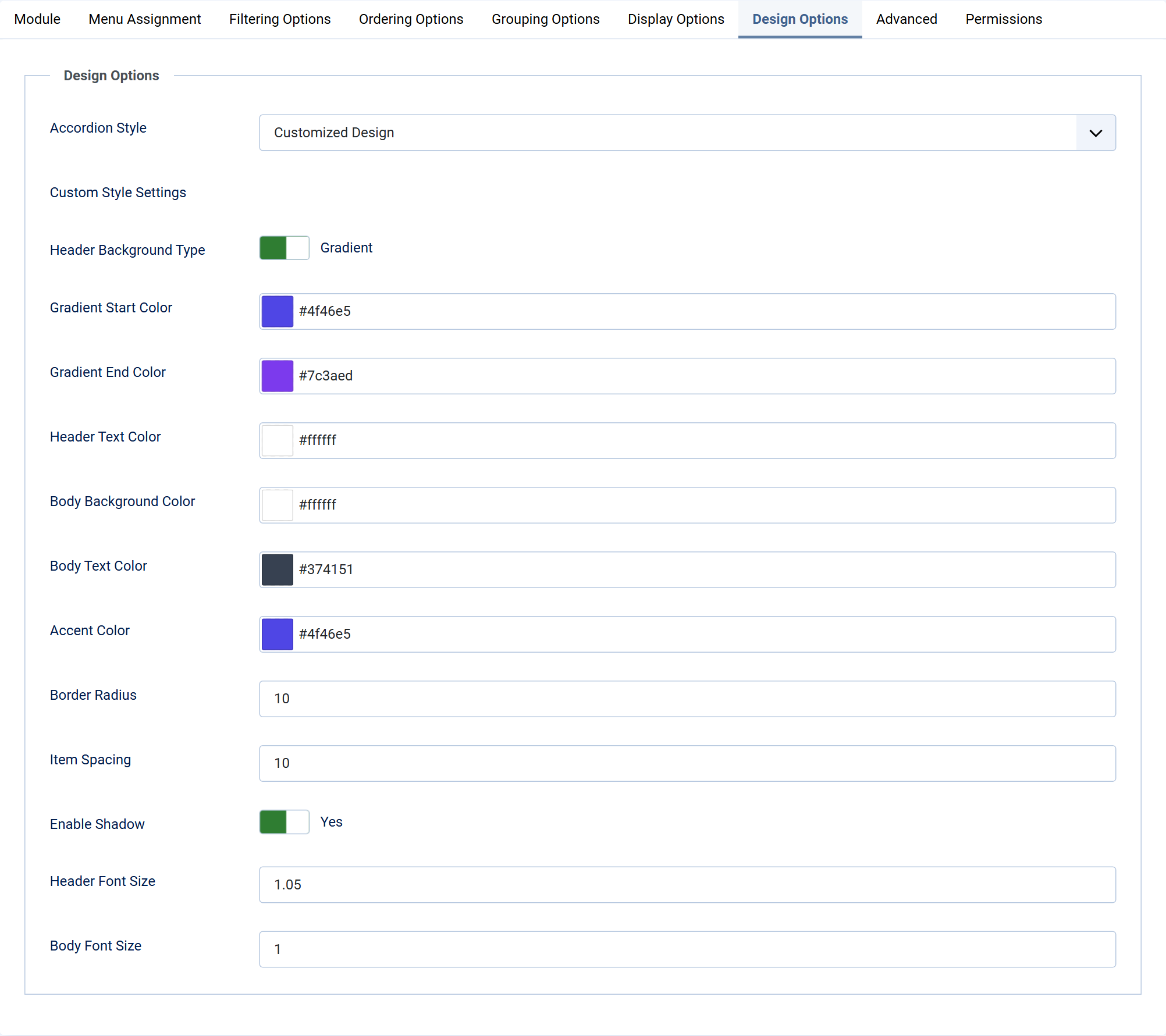
- Customized Design — solid or gradient header background, header and body text colours, body background, accent colour, border radius (0–30 px), item spacing (0–30 px), shadow, header and body font size.
- Custom CSS — a code editor field for your own CSS rules.
- Alternative layouts — use a template override layout and a module class suffix like any Joomla module.
See Quick Start for a step-by-step setup and Troubleshooting if something doesn't look right.