Time Tracker
The time tracker lets you record work in real time using a stopwatch-style interface.
How to Use
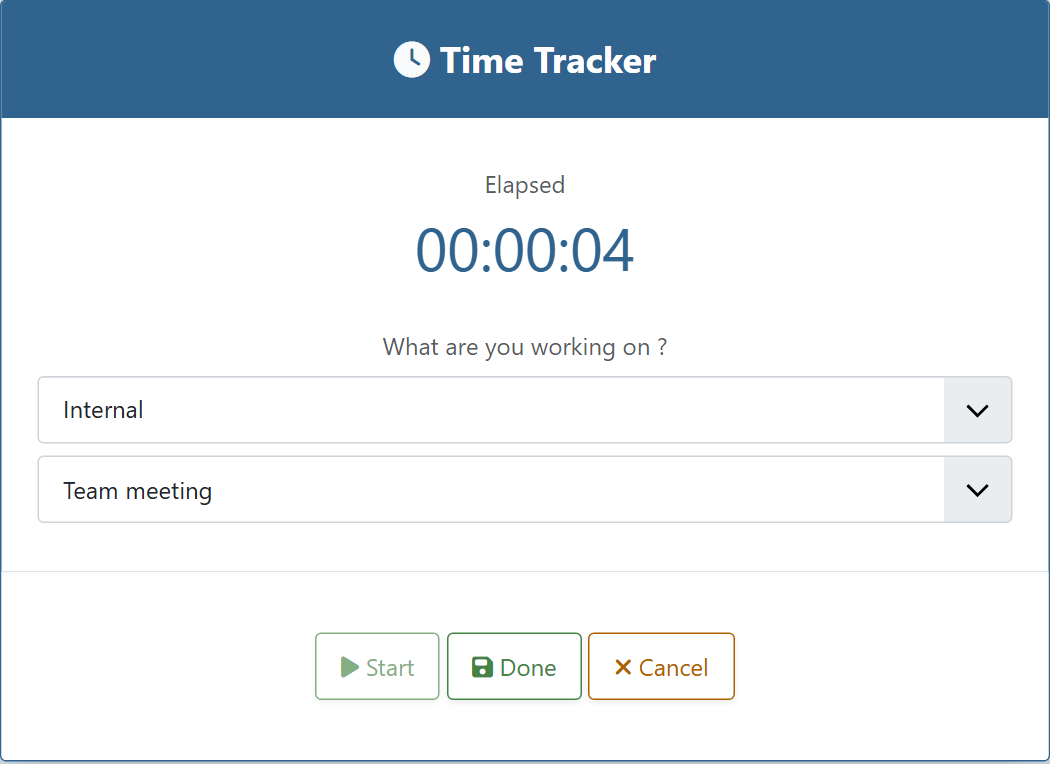
- Select a project from the dropdown — only your assigned projects are listed.
- If task lists are enabled, a task dropdown appears — select the task.
- Optionally fill in the "What are you working on?" field.
- Click Start to begin the timer; elapsed time displays in HH:MM:SS.
- When finished, click Done to save the tracked time as a work entry for today.
- Click Cancel to discard the tracked time without saving.
Requirements
- You must be logged in.
- You must be assigned to at least one project. If not, you'll see "No projects assigned to you" — ask an administrator to assign you in Users.