Email Container
Components > User Reminder > Options > Email Container (HTML)
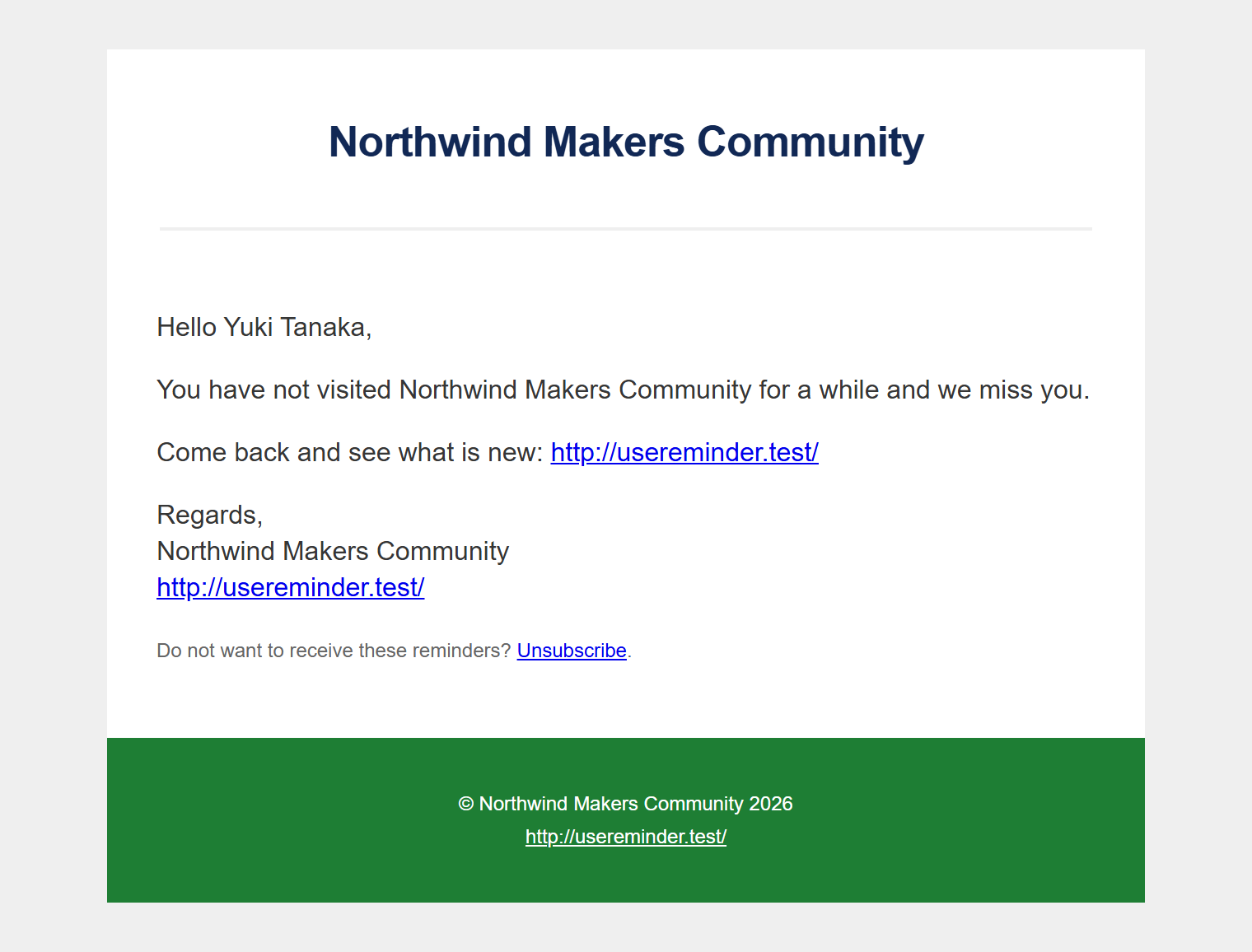
The container is the frame around the HTML body of each reminder: a header with your logo or a title, and a footer. It applies to User Reminder's emails only; Joomla's other emails keep their usual look.
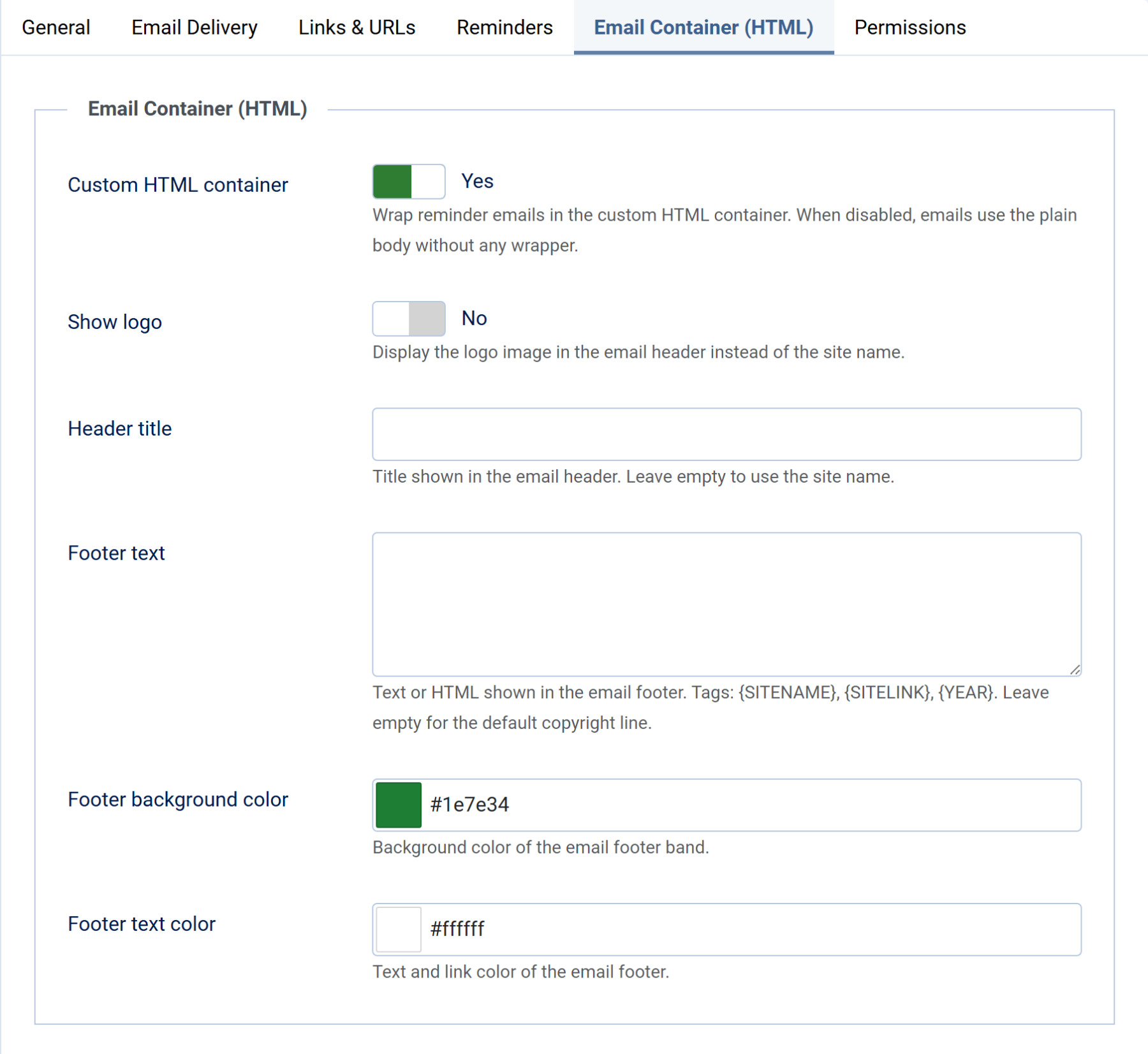
| Option | Default | What it does |
|---|---|---|
| Custom HTML container | Yes | Use the frame. No: send the template's HTML body without it |
| Show logo | No | Show an image in the header instead of the title |
| Logo file | None | The image, from the Media manager. It is embedded in the email, so it shows even when the reader blocks remote images |
| Header title | Site name | Text in the header when no logo is shown |
| Footer text | © site name and year, with a link | Text or HTML. Tags: {SITENAME}, {SITELINK}, {YEAR} |
| Footer background color | #112855 |
|
| Footer text color | #cccccc |
Requirements
- Joomla 5 or 6. Joomla 4 cannot pass the container to mail templates; there the template's HTML body is sent as it is.
- HTML mail format. System > Mail Templates > Options > Mail format must be HTML or HTML and plain text. The installer sets it, unless you had chosen one already.
- The installer selects userreminder as the HTML layout under System > Mail Templates > Options. If you change it, User Reminder's emails lose the container.