Reminders
Components > User Reminder > Options > Reminders
The Reminders tab switches each of the three reminder types on or off and sets its own rules, such as account deletion and the inactivity threshold. All reminder types are off on a new install.
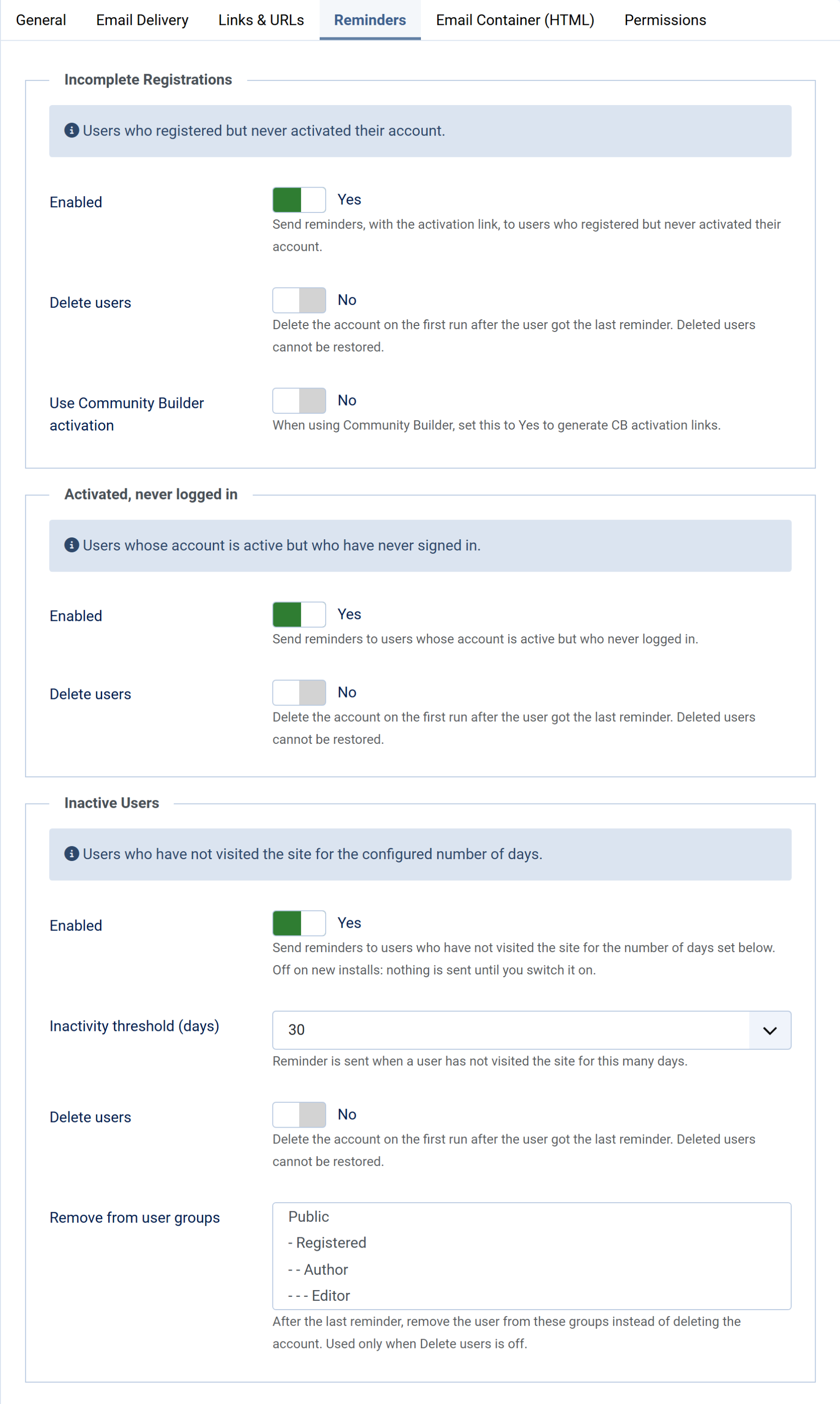
Incomplete Registrations
| Option | Default | What it does |
|---|---|---|
| Enabled | No | Send activation reminders |
| Delete users | No | Delete the account after the last reminder |
| Use Community Builder activation | No | Use CB activation links. See Community Builder |
Activated, never logged in
| Option | Default | What it does |
|---|---|---|
| Enabled | No | Send never-logged-in reminders |
| Delete users | No | Delete the account after the last reminder |
Inactive Users
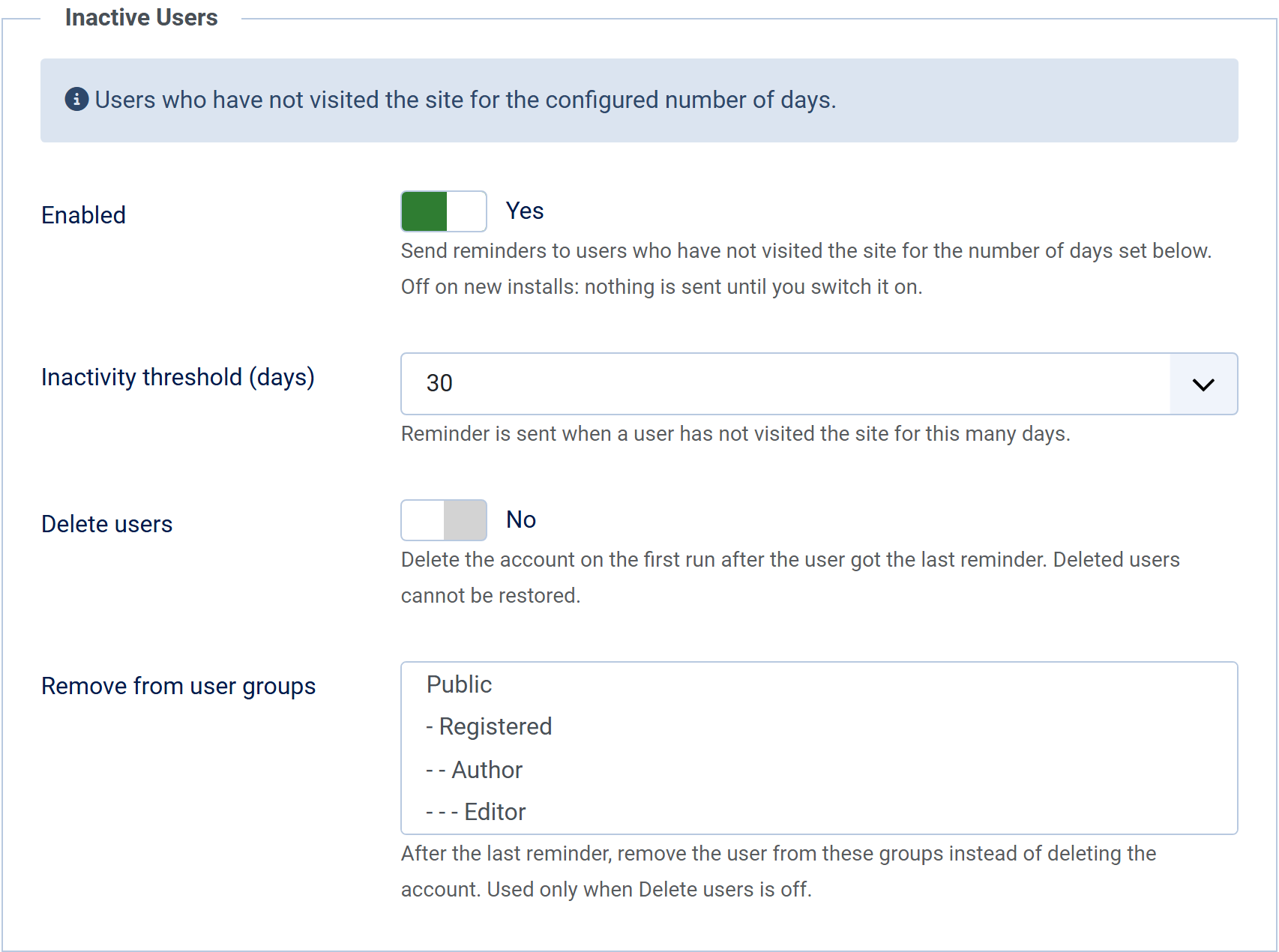
| Option | Default | What it does |
|---|---|---|
| Enabled | No | Send inactive-user reminders |
| Inactivity threshold (days) | 180 | Days without a visit before the first reminder |
| Delete users | No | Delete the account after the last reminder |
| Remove from user groups | None | After the last reminder, take the user out of these groups instead. Used when Delete users is off |
Deleting and removing from groups are explained in Account cleanup.