Opt-out
People can stop the reminders themselves, and you can leave out single users or whole user groups.
The unsubscribe link
Every template has an {OPTOUT_URL} link. It opens a page on your site that asks the user to confirm.
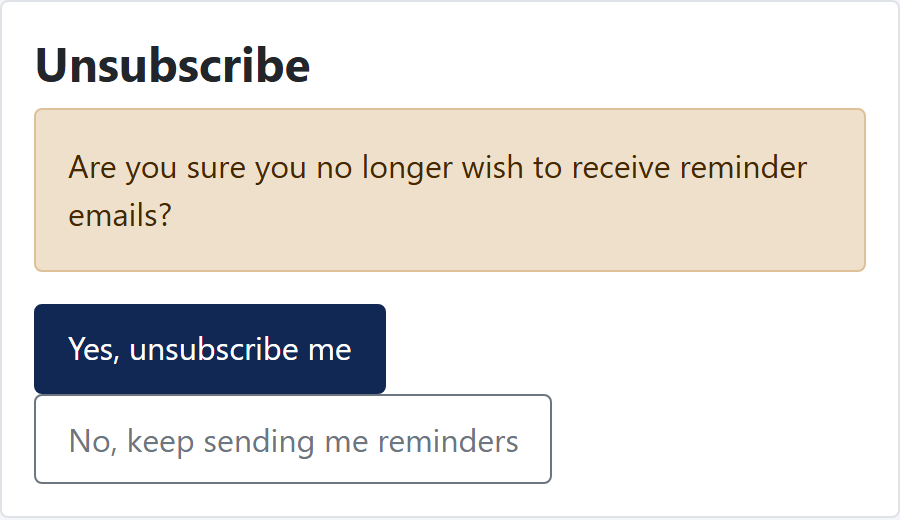
Only the button unsubscribes. Opening the link alone changes nothing, so a mail scanner that follows links does not unsubscribe anyone. After confirming, the same page offers to resubscribe. Both actions are written to the action log.
The link stays valid: each user keeps the same code, so links in older emails still work.
Opt-out Users
Components > User Reminder > Opt-out lists everyone who unsubscribed or that you added.
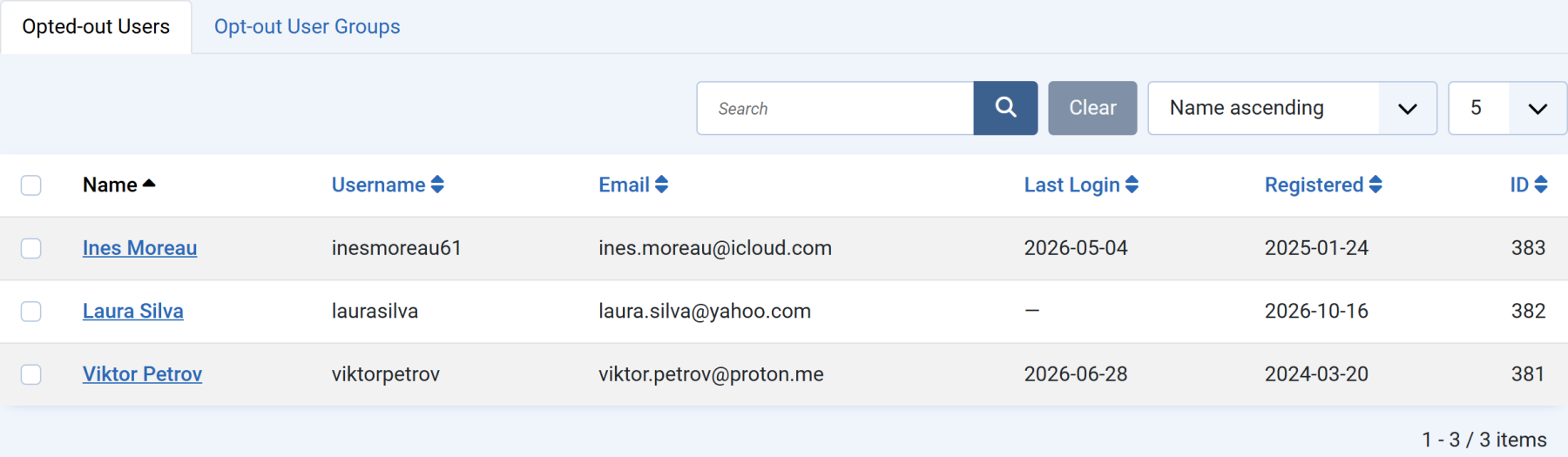
- Add opt-out users: pick users in Joomla's user picker, then Add to opt-out list
- Tick rows and click Remove from opt-out list to send them reminders again
Opt-out Groups
Members of these groups never get reminders and are never deleted. Use it for administrators, staff or partners. Open Opt-out > User Groups, tick the groups and save.
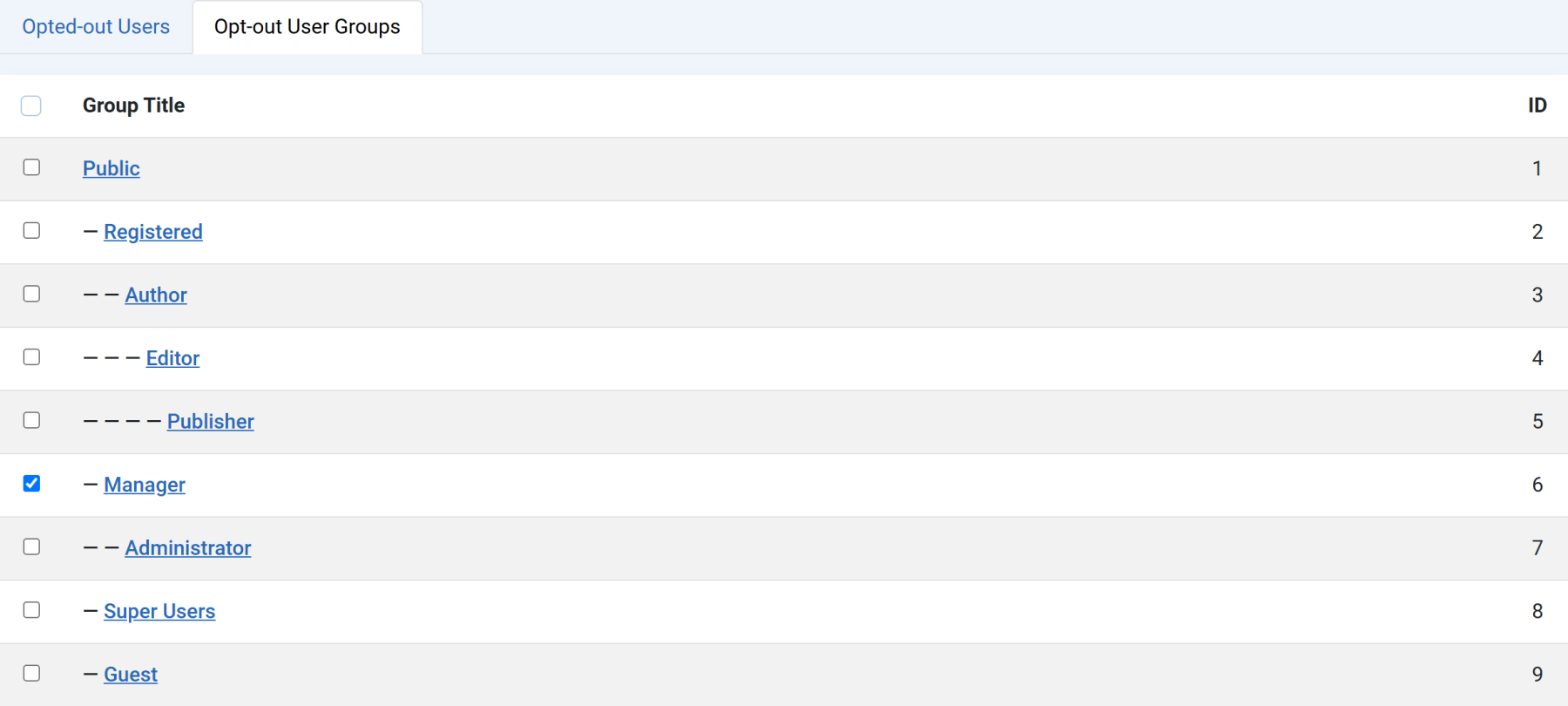
A user in an opt-out group who clicks Resubscribe still gets no reminders while they are in that group.