Calendar & Events
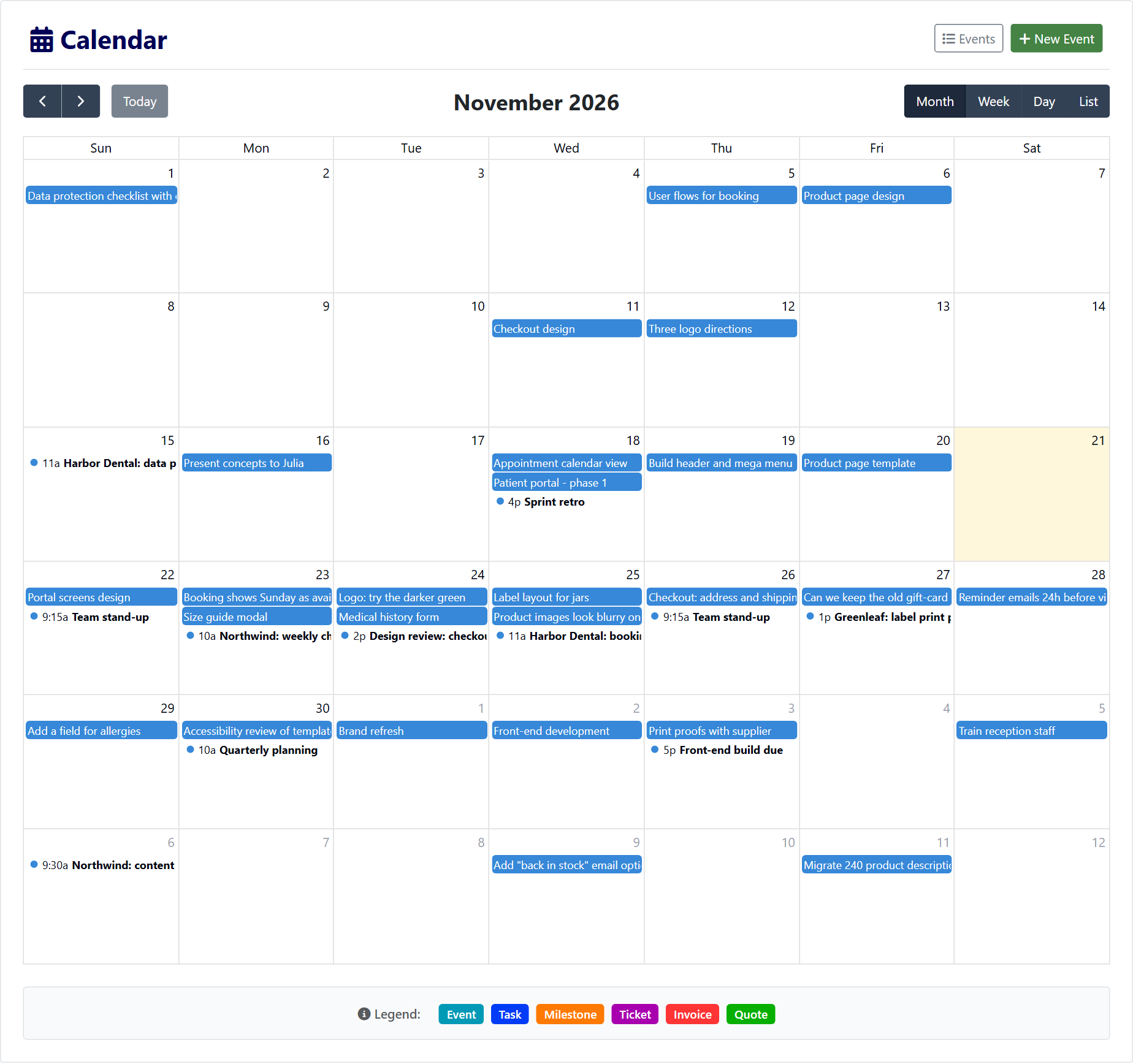
JC Project includes a calendar of events and milestones across your projects, with iCalendar export so you can subscribe from any calendar app. Find it under the Calendar tab.
For Users
Viewing the calendar
The calendar shows events, milestones, and due dates for the projects you're assigned to. Upcoming events for the next seven days also appear on your Dashboard.
Creating an event
- Open the Calendar tab and click a date (or click New).
- Set the title, date/time, type, priority, and status, and link it to a project.
- Click Save.
Exporting & subscribing
Download an iCal file or subscribe a calendar to a project — the project overview offers RSS and iCal feeds — so events appear in Google Calendar, Outlook, or Apple Calendar.
For Admins
Event lists
The available event types, priorities, and statuses are defined under Settings → List Values, so you can tailor them to how your team works.
Permissions
| Action | Governed by |
|---|---|
| View the calendar | Assignment + access role |
| Create / edit / delete events | Access role with the matching capability |
Edge cases
- iCal export uses the bundled iCalcreator library and exports a project's events as a single feed.
- Events inherit project visibility — events on a private project follow the same access rules.
Field Reference
| Field | Description |
|---|---|
| Title | Event title. |
| Project | Associated project. |
| Start / end | Date and time. |
| Type | Event type (from List Values). |
| Priority | Event priority (from List Values). |
| Status | Event status (from List Values). |
| Description | Free-text description. |
| Custom fields | Any custom fields added for events. |