Messages, Discussions & Comments
JC Project keeps team and client communication on-site through three layers: private messages, project discussions, and per-item comments. (Messaging is optional and can be switched off.)
For Users
Messages
Send private messages to other people on your projects. Unread messages appear on your Dashboard — read the subject, see who it's from, and jump straight in.
Discussions
Each project has discussion threads for team-wide conversations that aren't tied to a single task. Open the project's Discussions tab to start or reply to a thread.
Comments
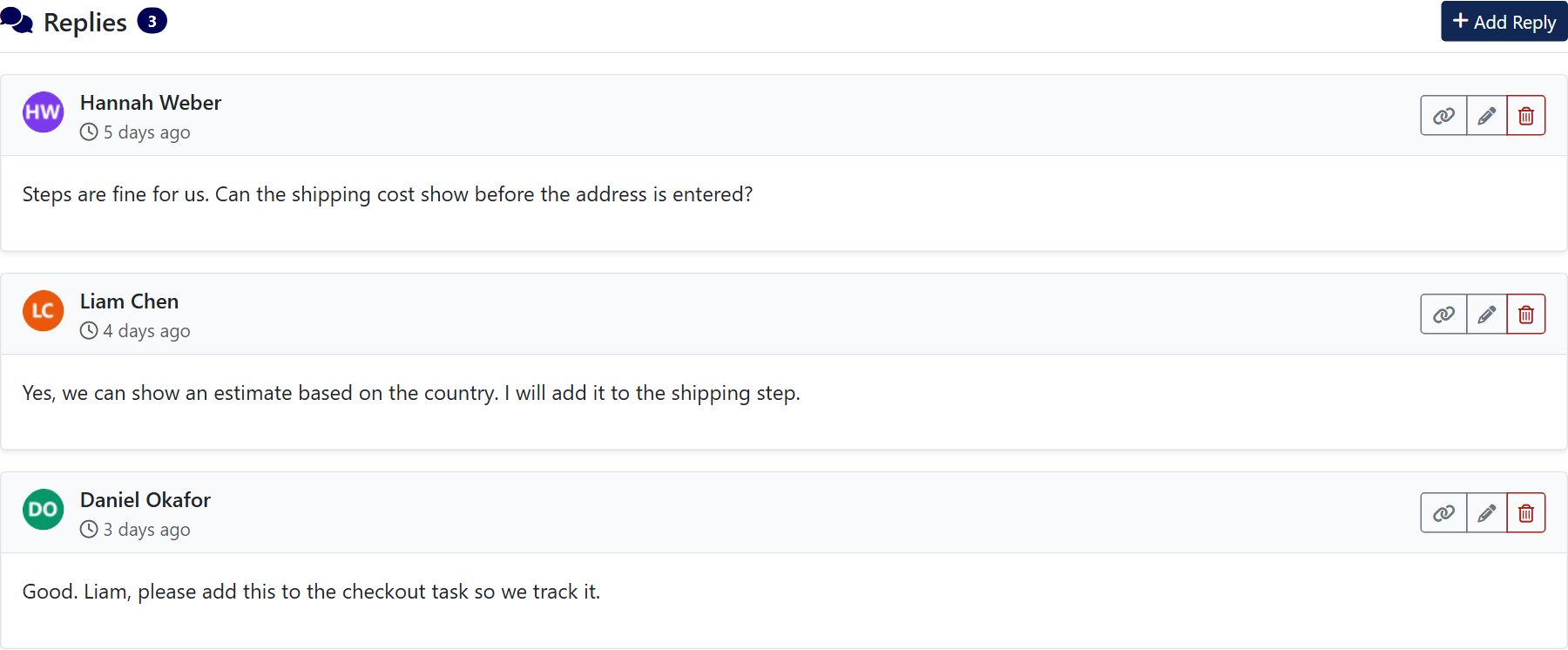
Most items — tasks, tickets, milestones, quotes, invoices, documents — accept comments, keeping the conversation attached to the work it's about. New comments show up in "Activities since my last visit" on the dashboard.
For Admins
Enabling messaging
Messaging is controlled by the Use messaging option under Settings. Turn it off if you don't want the messages feature exposed.
Permissions
| Action | Governed by |
|---|---|
| Send / read messages | Access role + messaging enabled |
| Post discussions / comments | Access role with the matching capability |
| See private discussions | Access role with the "view private" capability |
Edge cases
- With Use messaging off, the message widgets and tab are hidden.
- Comments and discussions feed the activity log, so collaborators see them on their dashboards.
Field Reference
| Field | Description |
|---|---|
| Subject (message) | Message subject. |
| Body | Message / discussion / comment text. |
| Recipients (message) | Who receives the message. |
| Item (comment) | The task, ticket, etc. the comment is attached to. |
| Project (discussion) | The project the thread belongs to. |
| Custom fields | Any custom fields added for discussions. |