Time Tracking
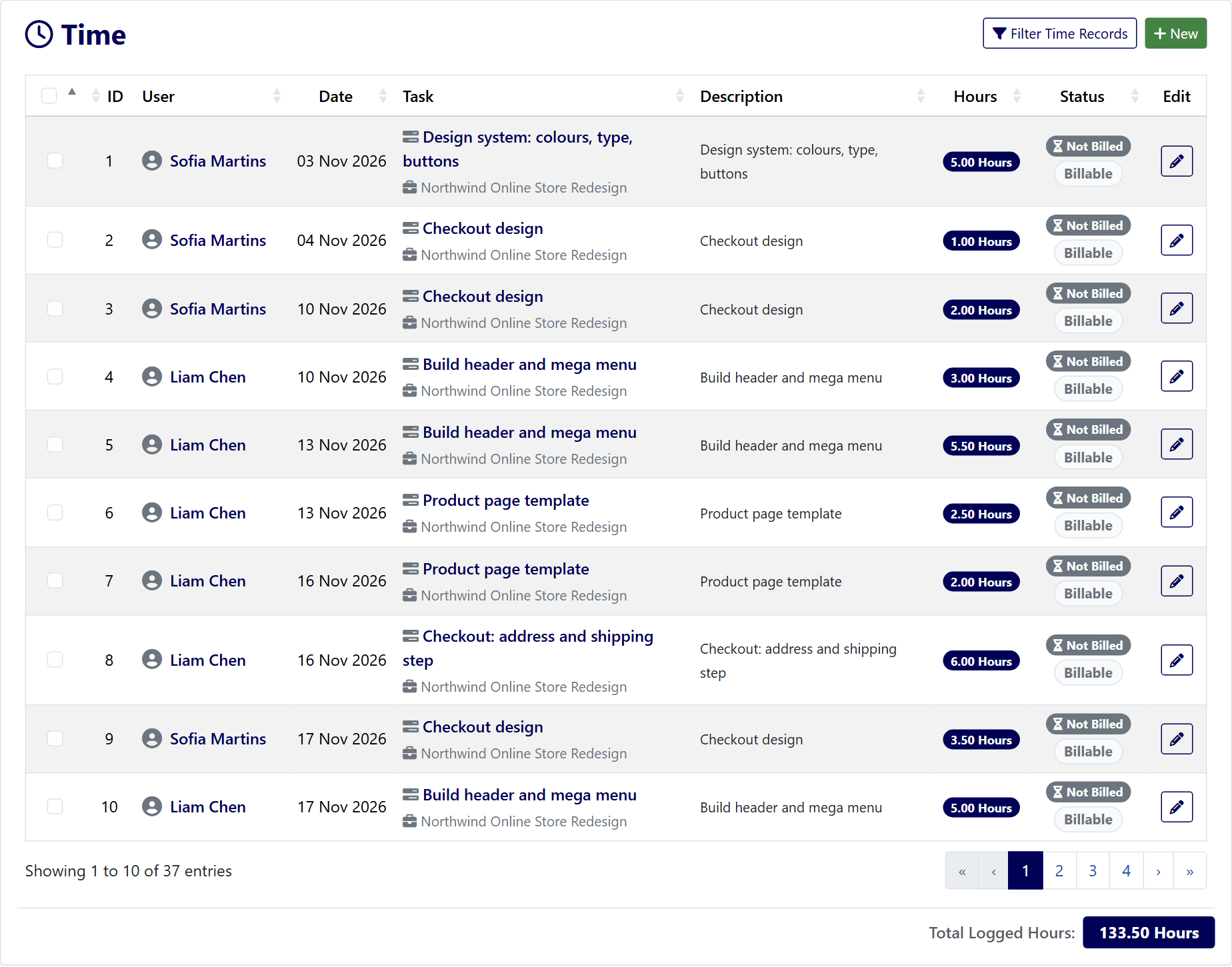
JC Project includes a built-in time tracker for logging hours against projects and tasks, plus a time report for analysing and exporting that time. Billable time can be pulled straight onto invoices. Find it under the Time Tracker and Time Report tabs.
For Users
Logging time
- Open the Time Tracker tab (or click log time on a task).
- Choose the project and task, enter the hours and the date, and add a note describing the work.
- Mark the entry billable if it should be invoiced, then Save.
Reviewing time
The Time Report lets you filter logged time by project, person, and date range, then export it for billing or payroll (CSV or Excel, per your configuration).
For Admins
Rates & billable defaults
Set the default hourly rate and whether time is billable by default under Settings → Billing & Tax. Individual projects and entries can override the rate.
Permissions
| Action | Governed by |
|---|---|
| Log / edit own time | Access role with the time capability |
| View others' time and reports | Access role with the report capability |
| Mark time billable | Access role with the matching capability |
Edge cases
- Only time flagged billable can be added to an invoice.
- The export format (CSV vs Excel) follows the Excel export type setting.
- Changing a project's rate does not retroactively re-price time already logged.
Field Reference
| Field | Description |
|---|---|
| Project | Project the time is logged against. |
| Task | Task the time relates to (optional). |
| Person | Who logged the time. |
| Date | When the work was done. |
| Hours | Duration logged. |
| Billable | Whether the time can be invoiced. |
| Rate | Hourly rate applied (defaults from settings). |
| Note | Description of the work. |