Milestones
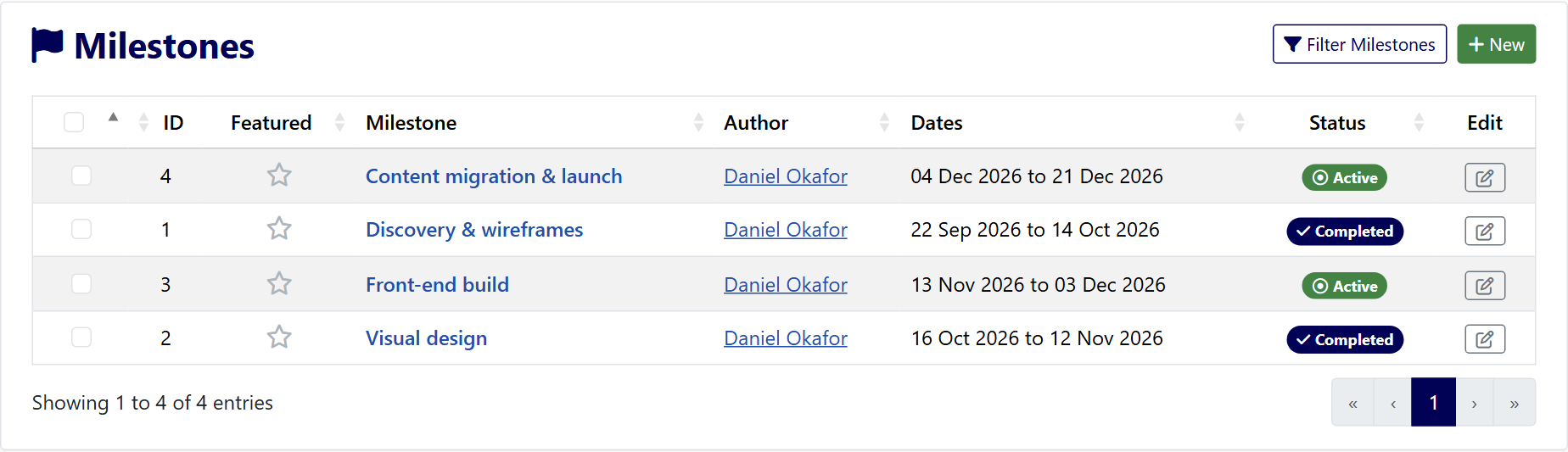
Milestones mark the major steps of a project. A project must exist before you can add milestones to it. Manage them from a project's Milestones tab.
For Users
Creating a milestone
- Open the Projects tab and click the project you want.
- On the project overview, open the Milestones tab and click New.
- Fill in the fields and click Save.
While creating a milestone:
- Priority — set the milestone's priority (from your configured priorities).
- Completed — mark the milestone done, or leave it open.
- Manage — assign people to the milestone.
Tracking milestones
Upcoming and overdue milestones across all your projects appear on your Dashboard. Within a project, the milestone list shows progress toward each step, and completed milestones feed the project's progress meter.
For Admins
Permissions
| Action | Governed by |
|---|---|
| View milestones | Assignment + access role |
| Create / edit / delete milestones | Access role with the matching capability |
| Assign people | Access role with the assign capability |
Edge cases
- Milestones cannot exist without a parent project.
- Tasks and quotes can be associated with a milestone, which is useful for reporting and for staged invoicing.
- Marking a milestone Completed contributes to the project's progress meter.
Field Reference
| Field | Description |
|---|---|
| Name | Milestone title. |
| Project | Parent project (set by context). |
| Due date | When the milestone is due. |
| Priority | Milestone priority. |
| Completed | Completion flag. |
| Assignees | People assigned (via Manage). |
| Description | Free-text description. |
| Custom fields | Any custom fields added for milestones. |